
Effortless file sharing across devices
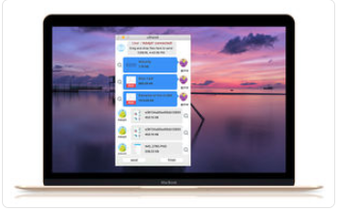
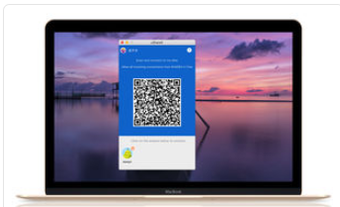
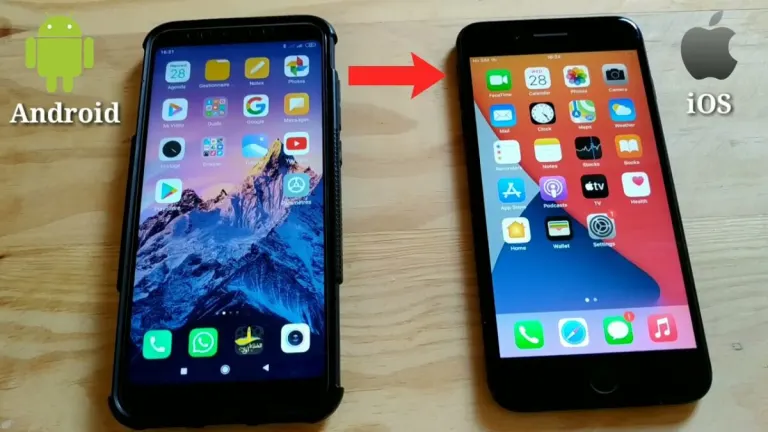
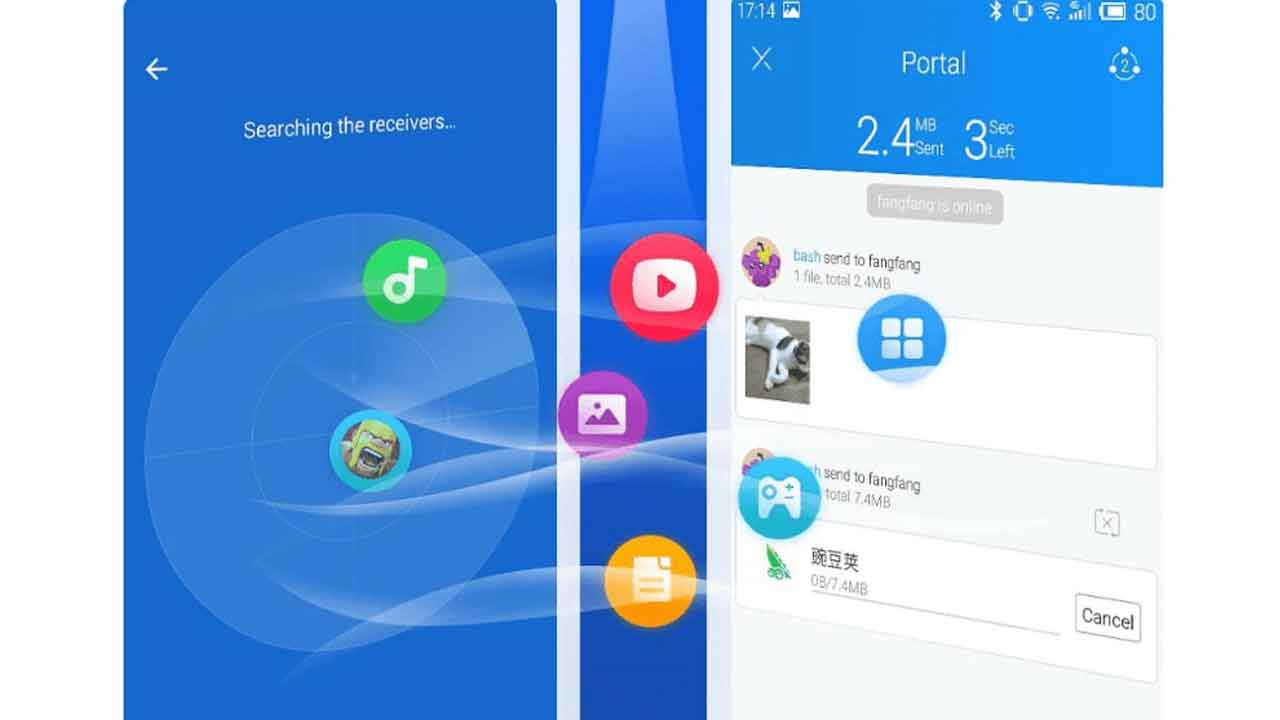
SHAREit, developed by Smart Media4U Technology Pte. Ltd., is a versatile file transfer application that simplifies sharing media such as pictures, music, videos, and documents. It operates efficiently without an internet connection or Bluetooth, enabling fast and convenient transfers. The application is free to use and supports high-speed file sharing, with speeds officially advertised as up to 42MB/s. It also works across different types of devices, allowing users to move content between different types of devices with ease.
Top Recommended Alternative

Transfer without limits
SHAREit enables users to transfer large files without size limitations, making it practical for sharing high-resolution photos, lengthy videos, and other data. The application relies on Wi-Fi Direct, so it works without internet connection or Bluetooth, ensuring offline functionality. During transfers, files maintain their original quality, offering a fast and convenient solution for moving substantial amounts of content between devices.
Multimedia and management tools
Beyond its file transfer capabilities, SHAREit includes additional tools to support everyday use. The app features a built-in music player for playing audio files and provides access to online video content alongside a downloader for saving videos and photos. SHAREit also includes a file manager, allowing users to organize, move, or delete files and better manage device storage.
User experience considerations
SHAREit is designed with a simple interface that makes transferring files easy for most users. However, the application displays a significant amount of advertising, which some users find disruptive to the experience. Despite this drawback, SHAREit continues to provide a convenient way to share files quickly between devices.
A fast and convenient way to share files
In conclusion, SHAREit provides an effective solution for users who want to transfer files quickly and without size restrictions. With its combination of high-speed transfers and additional features like a music player, downloader, and file manager, it remains a practical choice for those prioritizing speed and ease of use in everyday file sharing.